
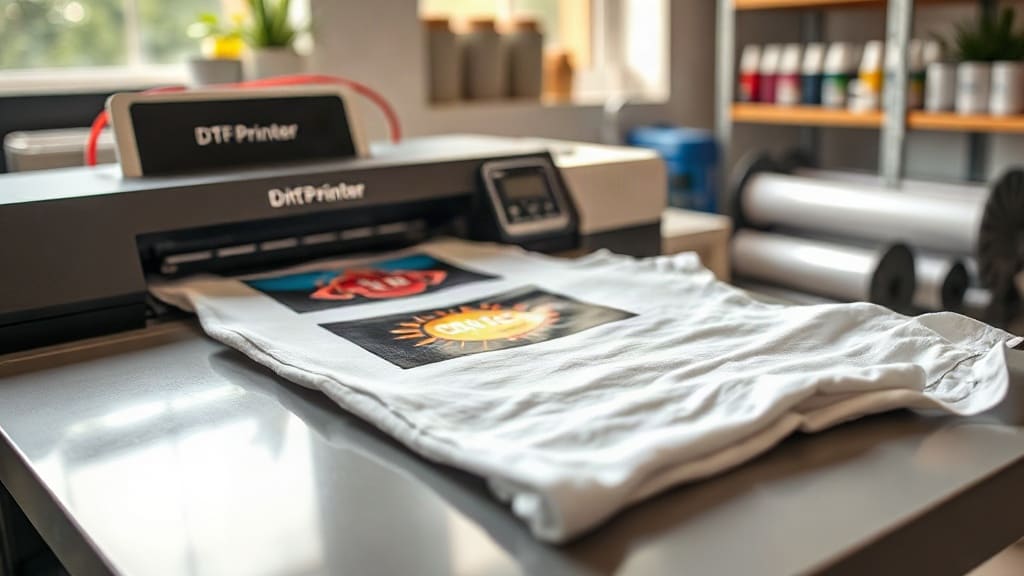
When you pull a custom-printed shirt from the dryer and the design is still crisp, vibrant, and crack-free after months of wear, that's the magic of DTF printing. Unlike methods that require special fabrics or complicated setups, DTF (Direct to Film) printing works on almost any material and delivers professional-grade results right from your home studio. Whether you're a small business owner looking to expand your product line or a hobbyist wanting to personalize gifts, understanding DTF printing can open up a world of creative possibilities. In this guide, we'll walk you through the entire process, compare it to other printing techniques, and share tips to help you avoid common pitfalls.
What Exactly Is DTF Printing?
DTF printing stands for Direct to Film. It's a digital printing method where your design is printed onto a special film, coated with a adhesive powder, and then heat-pressed onto the fabric. The key difference from DTG (Direct to Garment) is that you're not printing directly onto the shirt; instead, you're creating a transfer that can be stored and applied later. This two-step process gives you incredible flexibility: you can print designs in bulk, store them, and apply them on demand without tying up your printer or press.
The technology has gained massive popularity in recent years because it eliminates many of the limitations of other methods. For example, you can print white ink on dark garments without a separate white underbase, and you can achieve fine details and gradients that screen printing struggles with. Plus, the equipment is relatively affordable compared to industrial machines, making it accessible for small businesses and crafters.
The DTF Printing Process: Step by Step
To get started with DTF printing, you'll need a few key pieces of equipment: a DTF printer, DTF film, DTF ink, adhesive powder, and a heat press. Here's how the process works from start to finish.
1. Design Preparation
Everything begins with your artwork. You'll need to create or source a design and prepare it in a graphics program like Photoshop, Illustrator, or CorelDRAW. The design should be in CMYK color mode, and you'll need to mirror it horizontally because the film will be transferred face-down. Pay attention to resolution: 300 DPI is standard for crisp prints. If your design has fine lines or small text, make sure they're thick enough to hold up during transfer.
2. Printing onto Film
Load your DTF printer with DTF film and ink. The printer lays down a layer of CMYK inks followed by a white ink layer. The white ink acts as a base so that colors pop on dark fabrics. Some printers have a separate white ink channel, while others use a single printhead. Once printed, the film is wet with ink and needs to be powdered.
3. Applying Adhesive Powder
While the ink is still wet, you'll sprinkle a fine thermoplastic adhesive powder over the printed area. The powder sticks to the wet ink. Then, you shake off the excess and return the film to the printer or a curing oven to melt the powder. This step is crucial: it creates the bond that will adhere to the fabric when heat-pressed.
4. Curing the Powder
Curing typically takes place in a conveyor oven or under a heat source at around 160-170°C (320-340°F) for a short time, usually 2-3 minutes. The powder melts and forms a smooth, flexible layer over the ink. If you under-cure, the transfer won't adhere properly; if you over-cure, the film might warp. Follow your powder manufacturer's recommendations.
5. Heat Pressing onto the Garment
Once cured, the transfer is ready to apply. Set your heat press to the temperature and pressure recommended for your film and fabric, typically around 160°C (320°F) for 10-15 seconds with medium pressure. Place the transfer on the garment, cover it with a protective sheet, and press. After pressing, peel the film while it's hot or cold, depending on the film type. Most DTF films are hot peel, meaning you remove the film immediately after pressing while it's still warm.
DTF vs. Other Printing Methods
How does DTF stack up against the competition? Let's break it down.
- DTF vs. DTG: DTG prints directly onto the garment, which can be faster for one-offs but requires pre-treatment and works best on 100% cotton. DTF works on cotton, polyester, blends, and even leather, and doesn't need pre-treatment.
- DTF vs. Screen Printing: Screen printing is cost-effective for large orders but requires separate screens for each color, making it impractical for complex designs or small batches. DTF excels at full-color, detailed designs with no setup fees.
- DTF vs. Vinyl: Heat transfer vinyl (HTV) is great for simple shapes and text but can't handle gradients or photographic images. DTF can print anything you can design, with vibrant colors and soft hand feel.
In short, DTF offers the best of both worlds: the detail and color range of digital printing with the durability and versatility of a transfer.
Common Challenges and How to Overcome Them
Even though DTF is user-friendly, beginners often run into a few issues. Here are some common problems and their solutions.
Ink Not Adhering to Film
If your ink smears or doesn't stay on the film, check your printer settings. You might need to adjust the ink density or the printhead height. Also, ensure your film is loaded correctly (shiny side up) and that the printer is clean.
Powder Not Sticking
This usually happens if the ink is too dry before powdering. Work quickly: print, powder, and cure in one continuous flow. If your environment is very dry, consider using a humidifier.
Transfer Peeling After Wash
If your transfer peels, it's likely due to insufficient pressure, incorrect temperature, or under-curing. Invest in a heat press with accurate temperature control and use a pressure gauge. Always test with a scrap fabric before pressing your final garment.
Tips for Stunning DTF Prints
To get professional results, keep these tips in mind:
- Choose the right film: Not all DTF films are created equal. Some are designed for hot peel, others for cold peel. Match the film to your workflow.
- Store transfers properly: Keep unused transfers in a cool, dry place away from direct sunlight. They can last for months if stored correctly.
- Experiment with fabrics: DTF works on many materials, but always test on a small area first. Some fabrics like nylon may require lower temperatures.
- Maintain your printer: Regular cleaning and maintenance will prevent clogs and ensure consistent output.
Frequently Asked Questions
What fabrics can I use with DTF printing?
DTF printing works on a wide range of fabrics, including cotton, polyester, cotton-poly blends, canvas, denim, and even leather. It's one of the most versatile printing methods available.
How durable is a DTF print?
When applied correctly, DTF prints are highly durable. They can withstand repeated washing without cracking, peeling, or fading. For best results, wash garments inside out in cold water and avoid bleach.
Do I need a special printer for DTF?
Yes, you need a DTF printer that uses DTF ink and can handle DTF film. Some people convert standard inkjet printers, but dedicated DTF printers are recommended for reliable results.
Can I print white ink on dark shirts with DTF?
Absolutely. DTF printers use a white ink layer as a base, so you can print vibrant colors on dark fabrics without a separate underbase. This is one of the biggest advantages of DTF over DTG.
How long does the DTF transfer last?
If stored properly, DTF transfers can last for several months. Once applied to a garment, the print can last as long as the garment itself with proper care.
With its versatility, durability, and ease of use, DTF printing is a game-changer for anyone in the custom apparel business. Whether you're printing t-shirts for a family reunion or launching a full clothing line, mastering DTF will give you the tools to bring your designs to life.